
Making Your Infrared Heating Actually Smart
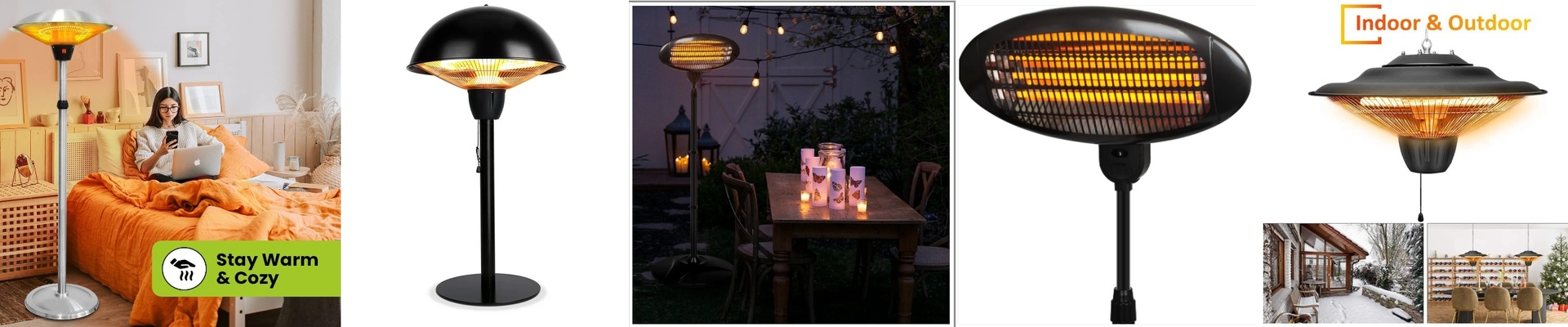
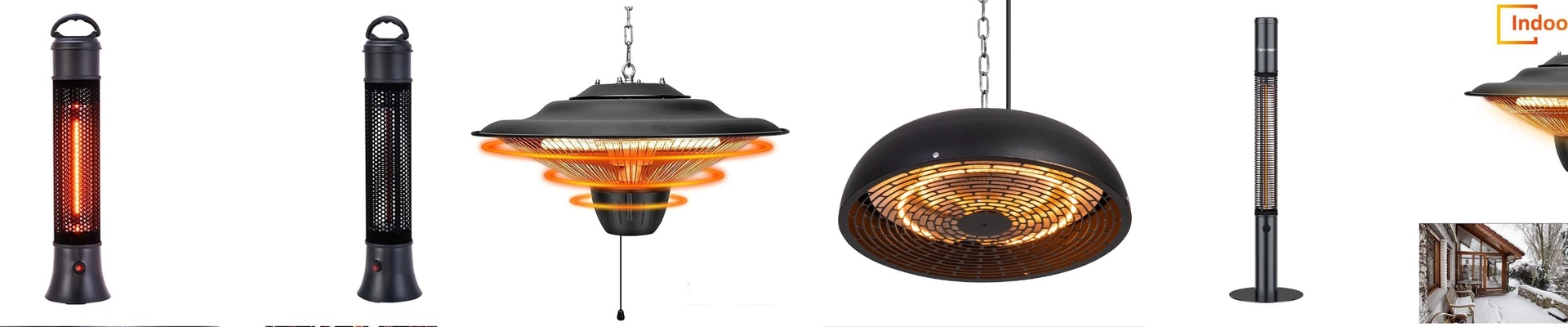
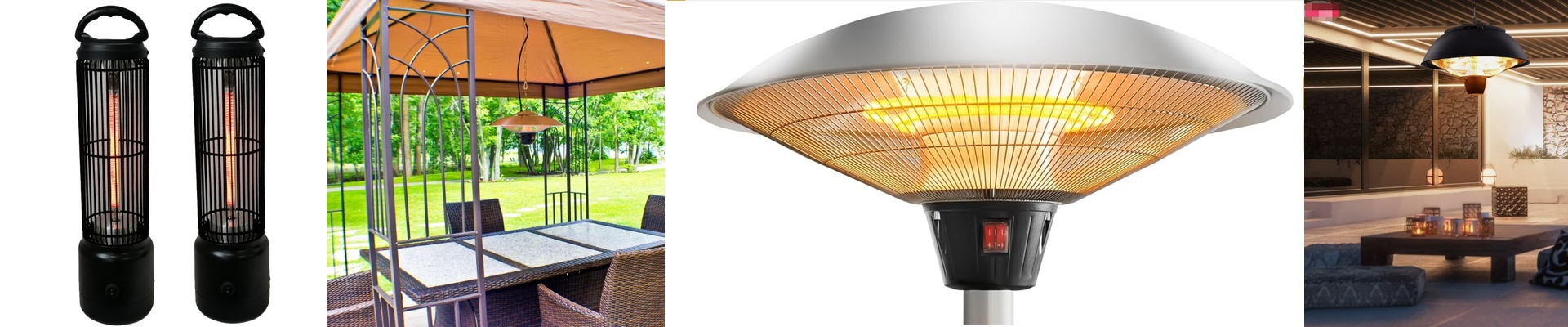
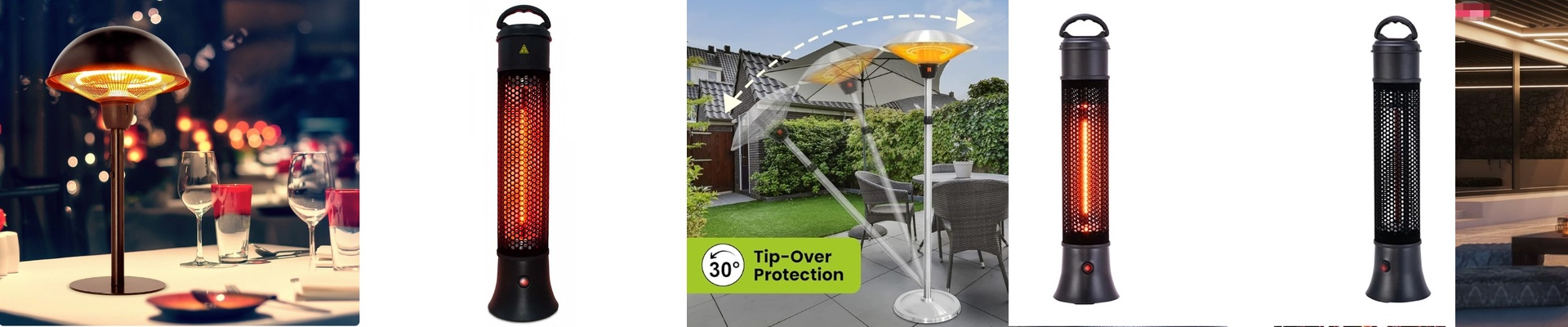
Ever notice how traditional heaters take forever to actually make you feel warm? You turn them on, wait twenty minutes for the air to heat up, and you’re still shivering. Infrared is different. It doesn’t mess around with the air; it just beams warmth straight at you. When you hook these up to a smart home system, you get this “instant” warmth. One tap on your phone and you feel it on your skin immediately. No waiting. No pre-heating. Just heat. The “Splash” Factor If you’re putting these in a bathroom or kitchen, you’ll see the term “IPX4.” In plain English? It means the unit is sealed up tight. If someone splashes water during a shower or you’re cooking up a storm in the kitchen, the internals stay dry. Now, don’t go dunking the heater in a bathtub—that’s a bad idea—but it can handle the typical chaos of a wet room without shorting out. We use heavy-duty gaskets and sealed cables to make sure it stays safe. How the Magic Happens It’s a pretty simple chain reaction. You hit a button in your app, the signal flies to a Zigbee or Wi-Fi relay, and that switch flips the power to the heating element. Because it’s infrared, there’s no “warming up” phase. It’s almost like turning on a lightbulb. You click, it glows, and you’re warm. A Quick Warning on Power Here is the catch: these things pull a lot of juice. If you try to cram four or five 2000W heaters onto one single circuit, you’re going to trip your breakers. Or worse, you’ll get voltage drops that make everything act wonky. My advice? Give your high-wattage zones their own dedicated circuits. It’s a bit more wiring upfront, but it saves you from a midnight trip to the fuse box. Getting it Installed The best part is that these basically just slide into the spot where your old, clunky radiators used to live. You swap out the old manual switch for a smart relay, mount the IPX4 housing, and set up your automations. It’s a simple hardware swap that puts the controls right in your pocket.